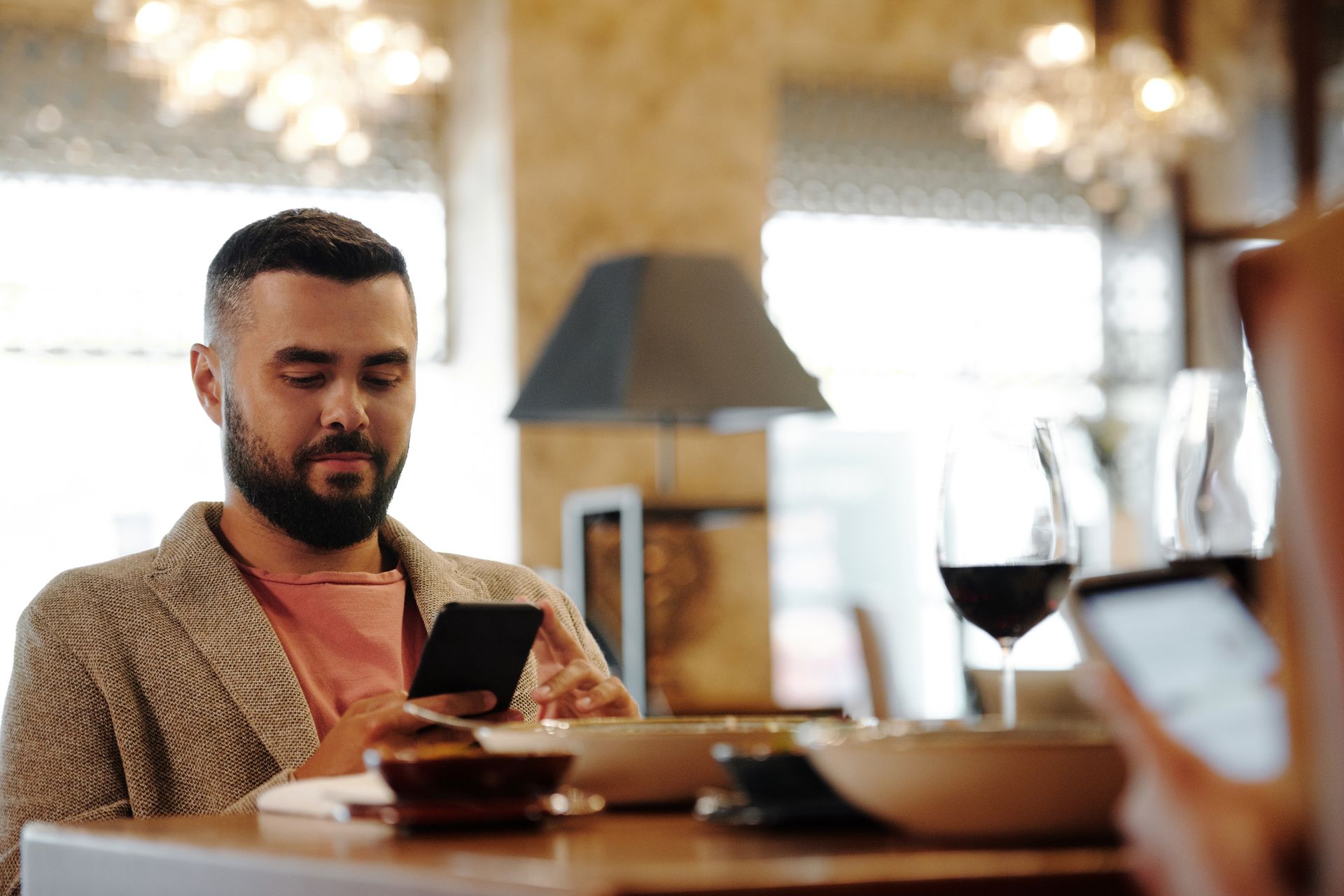
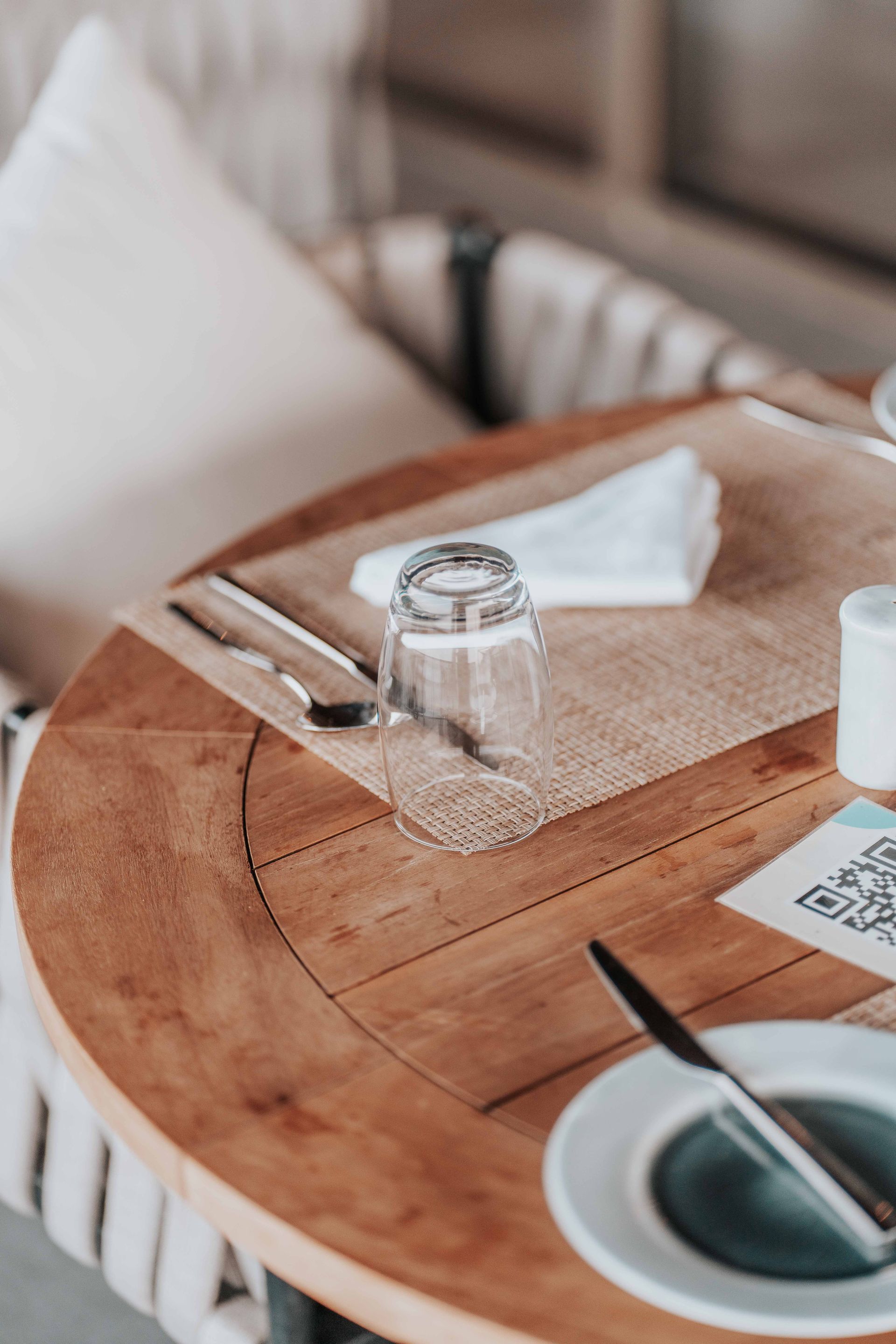
Customer sits down, spots your QR code and scans it
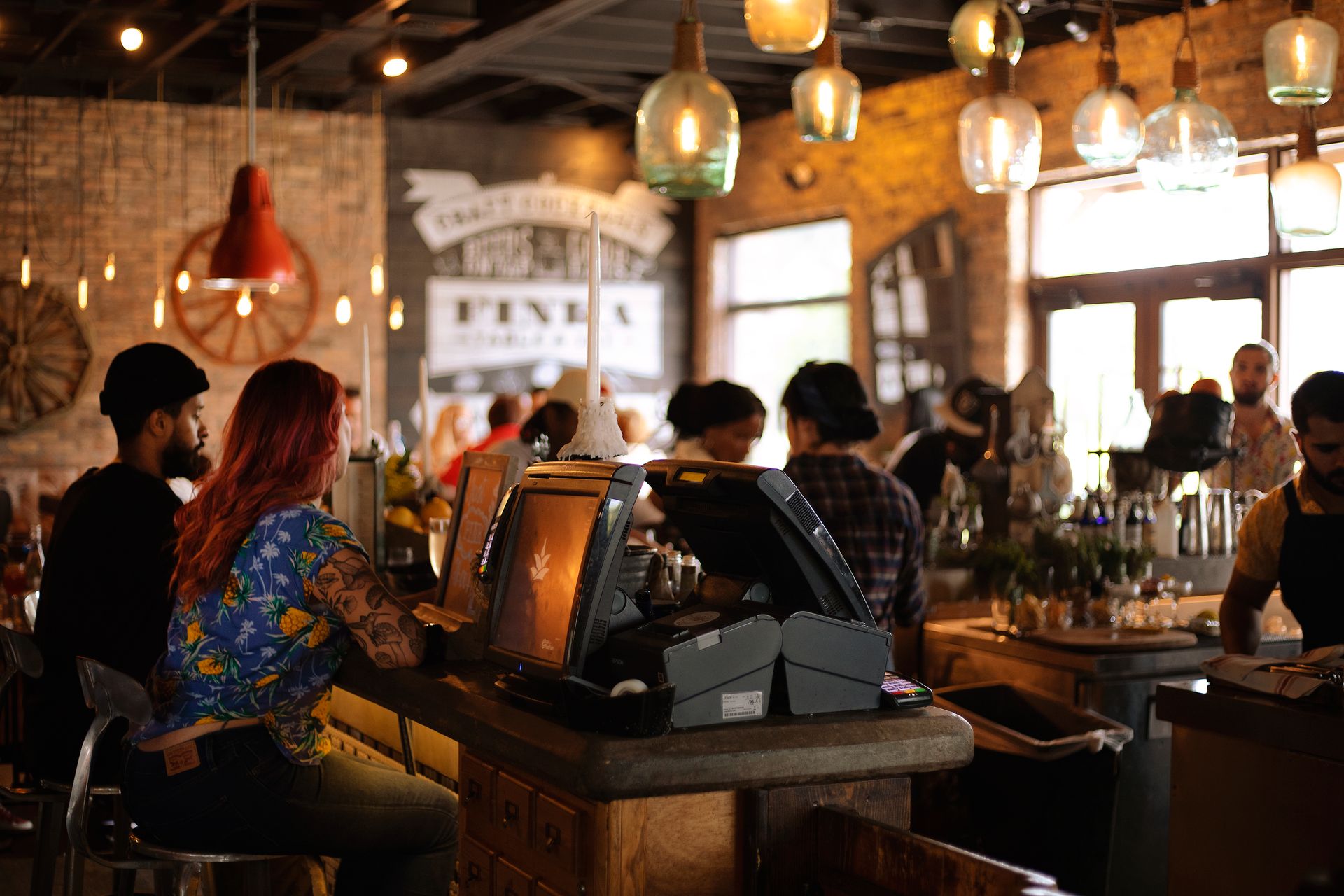
Your TakingYourOrder QR code lives wherever your customers are — on a tent card on every table, printed on the menu, stuck in the window of your takeaway, or out in the beer garden. The customer points their phone camera at it. That's it. No app to download, no account to create. Your full menu opens instantly in their browser.
The Willow Café
Table 4 · Kitchen open until 3pm
Brunch
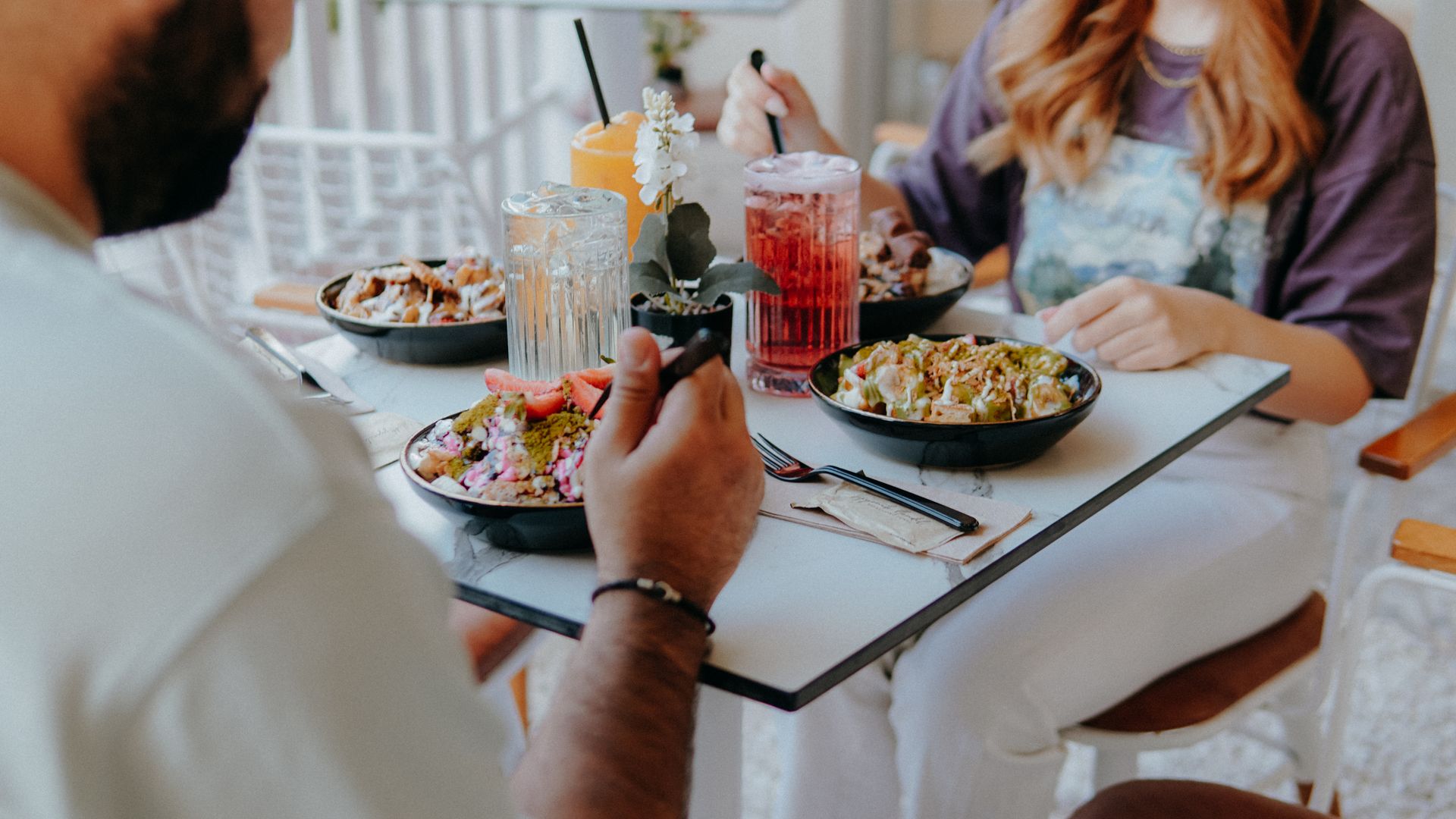
Smashed Avo on Sourdough
Poached egg, chilli flakes
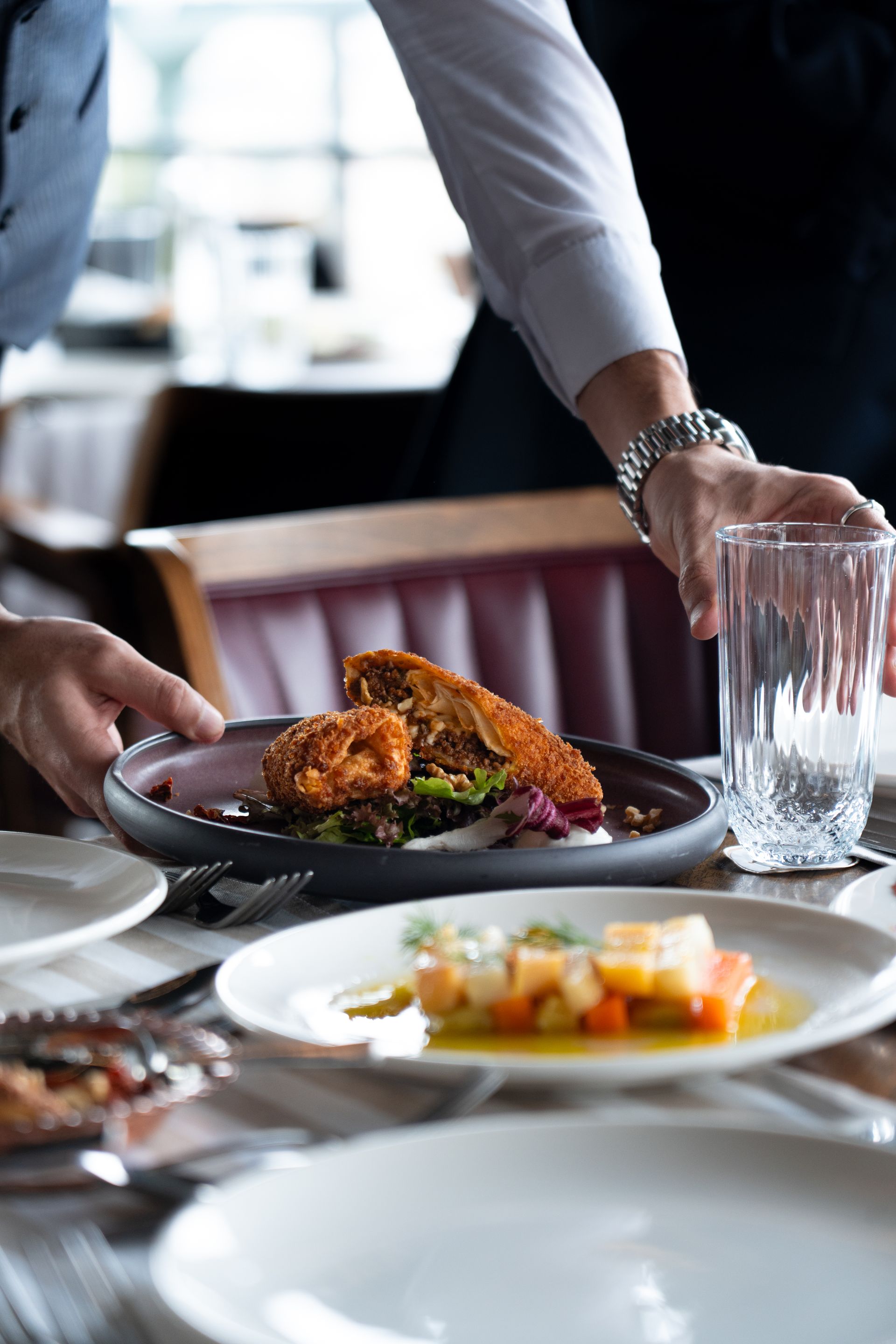
Halloumi & Roast Pepper Wrap
With house slaw
Cakes & Bakes
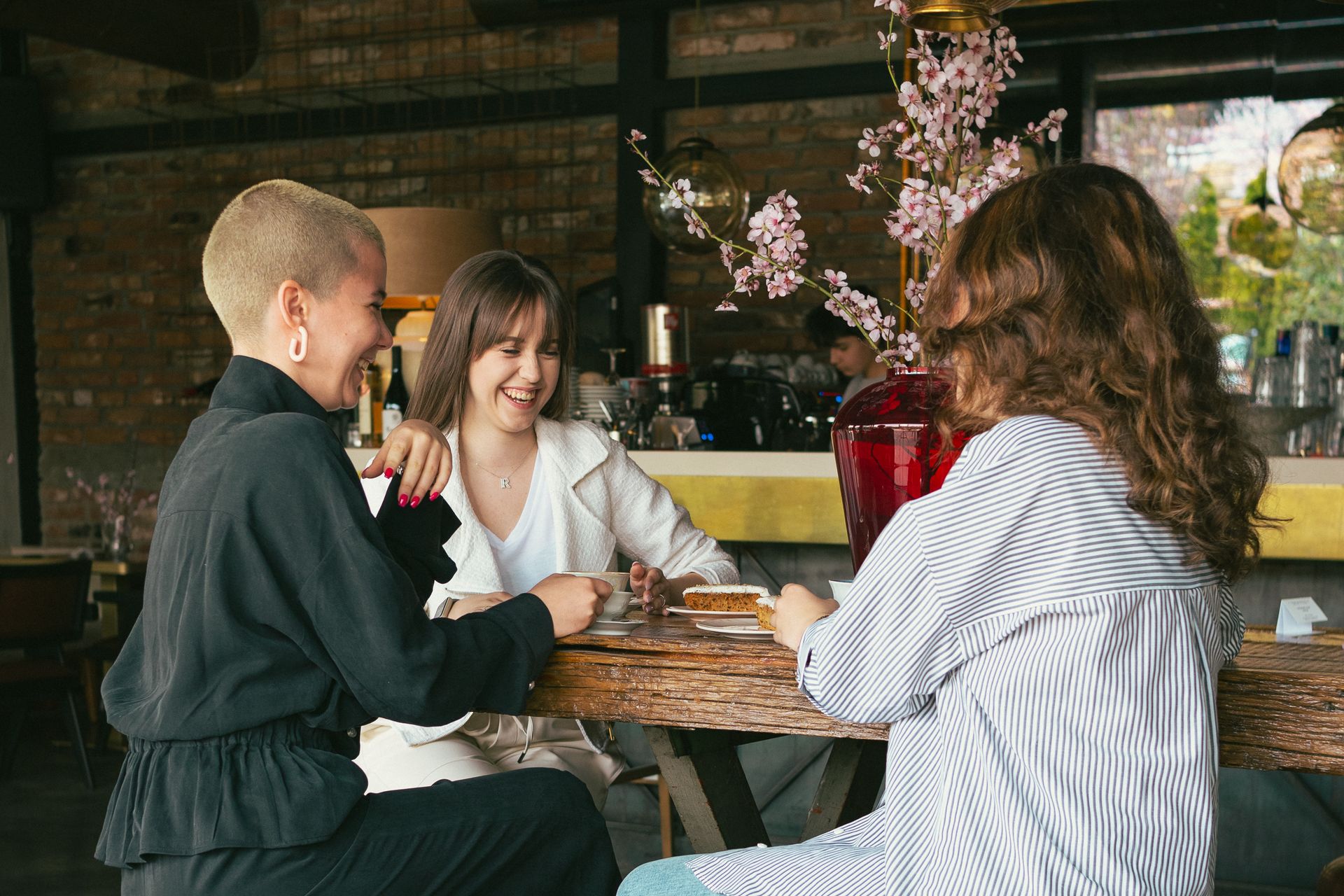
Victoria Sponge
Baked this morning
They browse your menu and build their order
Your full menu — with categories, item photos, descriptions, prices, and any extras or customisations — is right there on their phone. They can add modifiers (extra cheese, no onions), see dietary info, and tap to add items to their basket. All at their own pace, without flagging anyone down — while your team gets on with the service.
They pay there and then — card, phone, or Apple Pay
When the basket's ready, they pay securely from their seat. Card, Apple Pay, Google Pay — whatever they've got, through SumUp, PayPal or Stripe. The payment is processed and confirmed in seconds. No waiting for the card machine, no split-bill standoff at the till, no walkouts — every order is paid before it reaches the kitchen.
#0184 · Table 6 · dine-in
Smashed Avo on Sourdough ×2
+ Poached egg
Flat White ×2
#0185 · Emma · collection 12:40
Halloumi & Roast Pepper Wrap ×1
− No onion
Victoria Sponge ×1
#0183 · Table 12 · dine-in
Soup of the Day ×2
+ Gluten-free bread
Kids Beans on Toast ×1
#0182 · Sam · collection
Bacon & Brie Toastie ×1
The order appears on your kitchen display instantly
The moment payment is confirmed, the order hits your kitchen display board — a large, colour-coded screen that shows every active order. You see the table or customer name, what they ordered, any notes, and how long it's been waiting. No paper tickets, no scribbled pads, no shouting across the pass, no missed items.
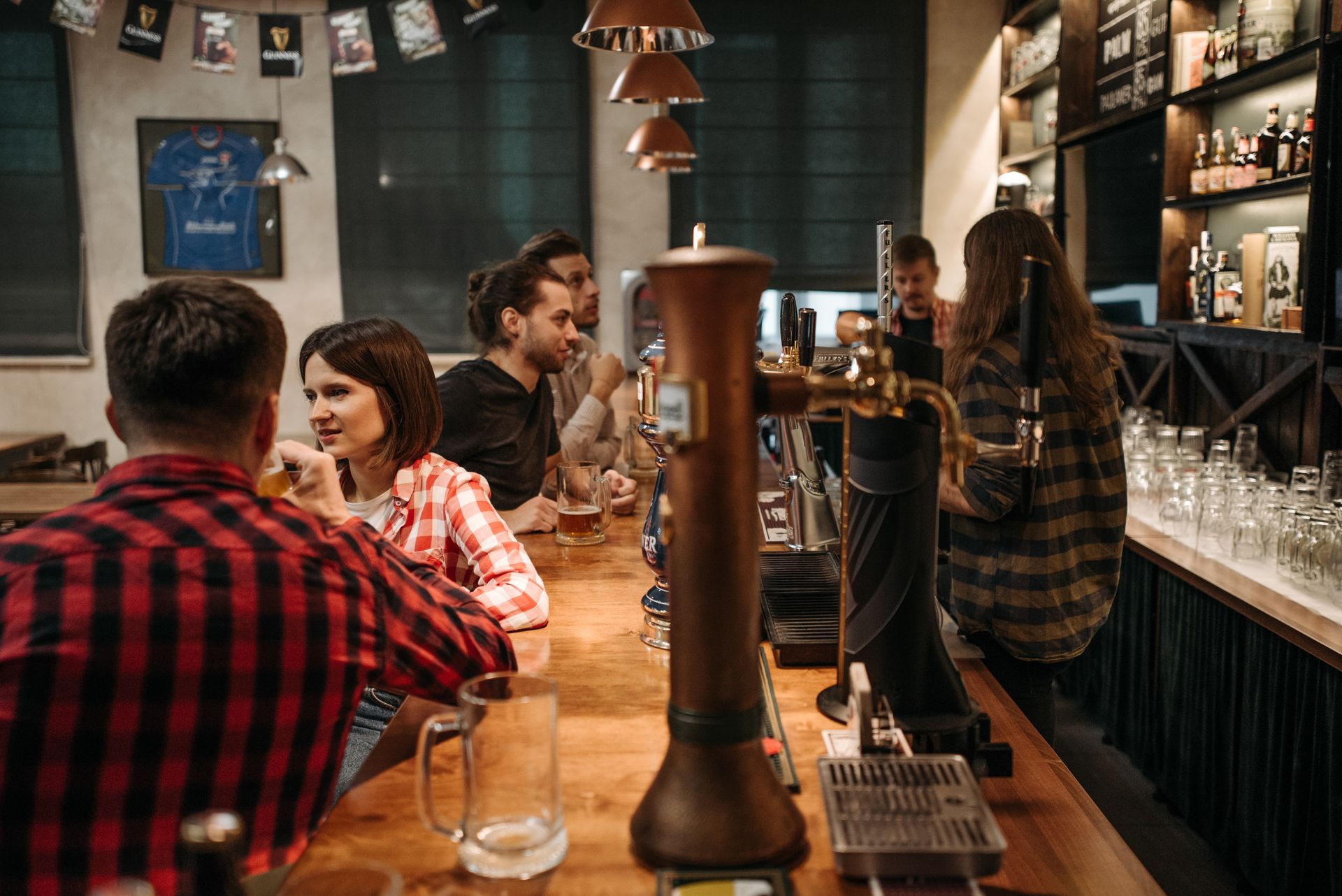
Mount customer display screens anywhere in your venue
As well as the kitchen board for your team, TakingYourOrder includes a public-facing display mode you can open on any spare screen — a tablet, a monitor, a TV. Mount it above the counter, by the collection point, in the waiting area of your takeaway, anywhere. It shows everyone waiting exactly where their order is in the flow, in real time, with no login required. Run as many screens as you like, wherever people are sitting or standing.
Being prepared…
Order number
#0042
Hi Emma!
Smashed avo on sourdough · poached egg
🔔 Sound alerts on
This page refreshes automatically.
Orders move through stages as you prepare them
As your team works through the order, you tap to move it through stages — Received, Being Prepared, Almost Ready, Ready. The customer sees their status update live on their phone. No one needs to shout an order number across a packed room. No one crowds the counter asking how long it'll be.
Ready!
Order number
#0042
Hi Emma!
Your order is on its way to Table 4.
Eating in? We’ll bring it over. Collection? It’s waiting at the counter.
🔔 Sound alerts on
This page refreshes automatically.
They get a notification the moment it's ready
When you mark an order Ready, two things happen automatically: the customer's live status page updates instantly in their browser, and they get an email straight to their phone. No app needed, no account to log in to. For click-and-collect, they know exactly when to walk in — no crowd at the counter, no cold food sitting under the lamp.
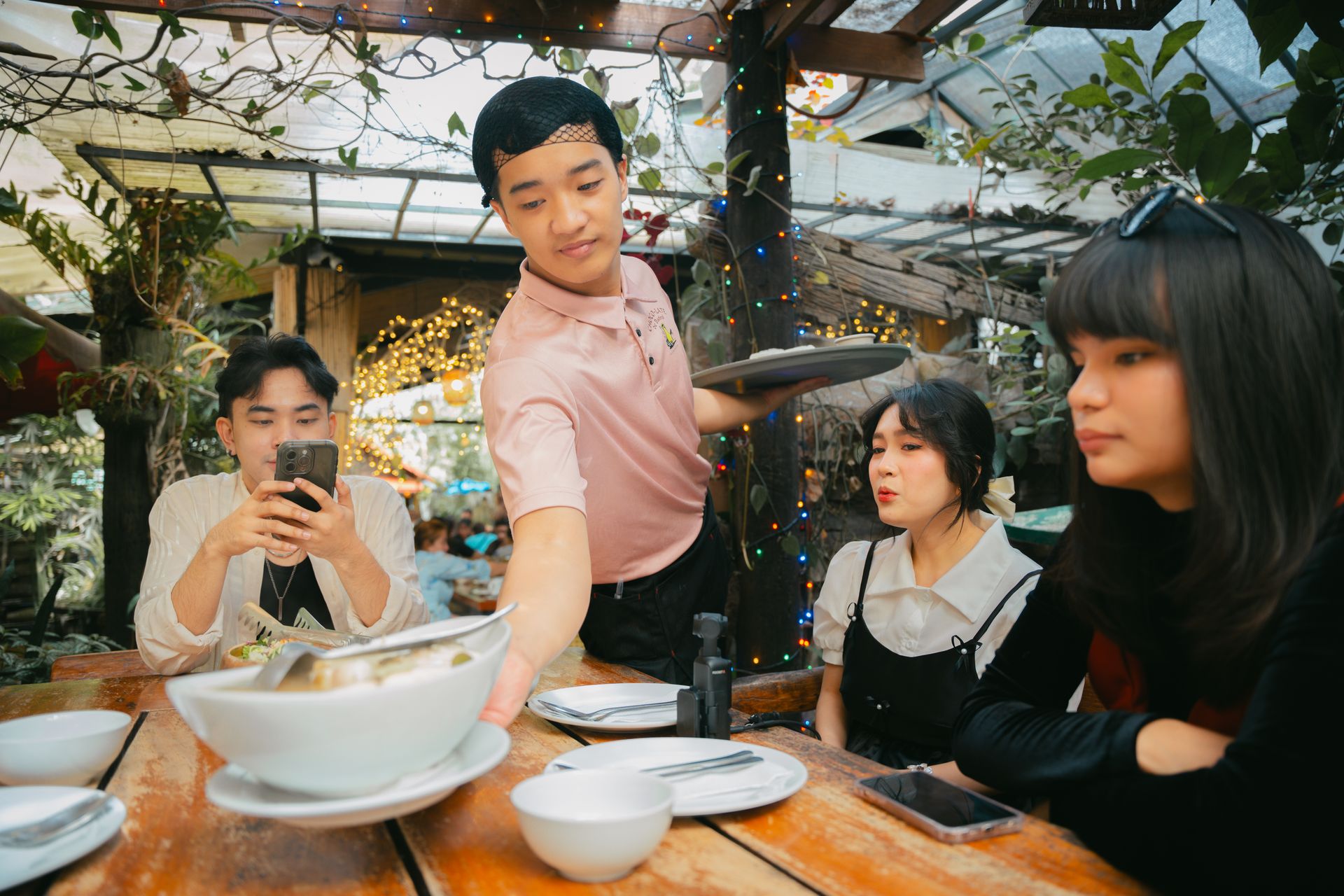
Food arrives at the table — or they collect it, no fuss
For table service, your team takes the order straight to the table number on the ticket. For collection, the customer walks up when their phone says it's ready. Either way, the payment already happened, the order was exactly what they typed, and nobody queued. They leave happy. You get on with the next order.